
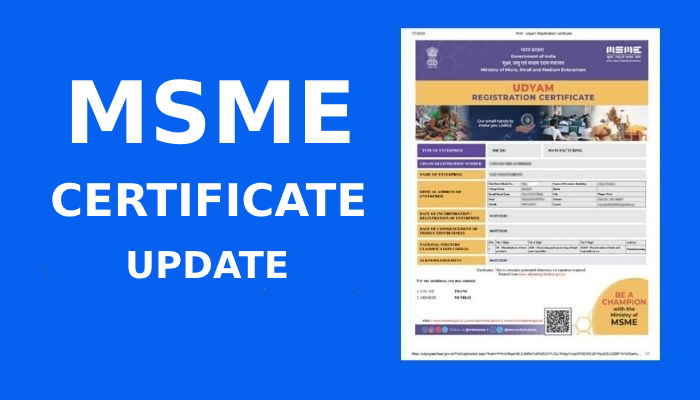
MSME Certificate Update: How to Update Udyam Registration Online (2025 Guide)
If you are searching how to update your MSME certificate, this guide gives step-by-step answers so you can quickly update your Udyam Registration without errors.
What is MSME Certificate Update?
An MSME Certificate Update means making changes in your existing Udyam Registration details.
Businesses must update their MSME certificate if any information changes, such as:
- Business address
- Mobile number / email ID
- Bank details
- Investment or turnover
- Ownership details
- Business activity (NIC codes)
- Number of employees
Updating your certificate ensures your MSME status remains valid and eligible for government benefits.
Who Needs to Update MSME Certificate?
You should update your MSME certificate if:
- You changed your business location
- Your turnover has increased/decreased
- You changed your enterprise type (Micro → Small → Medium)
- You updated your PAN / GST number
- You shifted to another manufacturing or service activity
Government requires yearly updates based on your ITR & GST returns.
How to Update MSME Certificate (Udyam Registration) Online?
Here is the step-by-step process:
Step 1: Visit the Official Udyam Portal
Go to the official MSME/Udyam website.
Step 2: Click “Update Udyam Registration”
Select the option to update/modification.
Step 3: Enter Your Udyam Registration Number
Type your URN starting with “UDYAM-”.
Step 4: Generate OTP
Choose OTP delivery:
- Mobile or
Step 5: Verify OTP
Enter the OTP to access your MSME profile.
Step 6: Update Required Details
You can update:
✔ Business name
✔ Address
✔ Bank account
✔ NIC code
✔ Turnover
✔ Plant & machinery investment
✔ Additional branches
Step 7: Submit and Download Updated Certificate
After updating, you can download the updated MSME certificate instantly.
Documents Required to Update MSME Certificate
You only need:
- Udyam Registration Number (URN)
- Mobile number / email used during registration
- PAN & GST details (auto-fetched)
- Updated business info
No physical documents are required.
How Much Time Does MSME Certificate Update Take?
Updating your MSME certificate takes 1–5 minutes online.
Changes reflect instantly on your updated Udyam Certificate.
Is There Any Fee to Update MSME Certificate?
No.
Updating MSME certificate on the official portal is free of cost. (some consultant websites takes charges)
Benefits of Updating MSME Certificate
Keeping your MSME certificate updated helps you access:
- Bank loan benefits
- MSME subsidies
- Interest rate concessions
- Government tender preference
- Tax concessions
- Faster loan approvals
Latest FAQs on MSME Certificate Update (2025)
1. Can I update my Udyam Registration anytime?
Yes. You can update it anytime online using OTP verification.
2. Can I change my mobile number in MSME certificate?
Yes, you can update your mobile number through the Udyam portal.
3. Is PAN mandatory for updating MSME certificate?
Yes, PAN is mandatory for all MSME updates.
4. How do I download the updated MSME certificate?
After submitting updates, click “Print/Download Certificate” on the portal.
5. What if my turnover changes?
You must update your turnover every year based on ITR and GST return data.